

The Uniformity Trap
Enterprise design systems almost always start with the wrong premise: that pixel-identical output across every product surface is the goal. Six months of component library work, a Figma library with 400 published variants, a Storybook instance nobody outside the platform team reads. All of it built for a 27-inch monitor, a mouse, and a well-lit office. Then the warehouse team ships to a Zebra TC52 handheld and everything falls apart.
Real numbers from the failures I’ve watched: a 44px tap target that meets WCAG 2.5.5 on a phone becomes a coin-flip on a 4-inch industrial screen when the operator is wearing nitrile-over-cotton gloves. Capacitive touch registers a contact patch roughly 14mm wide instead of 8mm, and the centroid drifts. Mis-taps on adjacent list rows climbed past 11% in one pick-and-pack app before anyone thought to instrument it. The design system was not broken in any way a linter could catch. It was just answering a question nobody in the warehouse had asked.
How the Fork Actually Happens
Nobody files a ticket saying “the design system does not serve our users.” What happens instead is quieter and much worse. A frontend engineer on the operations team writes a wrapper. The wrapper takes <Button> and slaps !important on min-height, then patches the border color because the neutral-300 border vanishes under 800 lux of skylight glare. Two sprints later that wrapper has thirteen consumers. Four sprints after that it has its own focus-visible handling, which is subtly wrong, and screen reader announcements have drifted from the core component’s.
Now the platform team ships a breaking change to Button‘s internal slot structure. The wrapper’s CSS overrides target a class that no longer exists. Nothing throws. Nothing fails CI. The buttons just quietly get 30px shorter across an entire warehouse fleet, and you find out from a supervisor phone call about scan throughput. Shadow libraries do not announce themselves — they fail as regressions in someone else’s operational metric.
Grammar Below, Vocabulary Above
The fix is architectural, not cultural. Stop treating the component as the atomic unit of sharing. Split it into behavior and presentation, and let context decide the presentation.
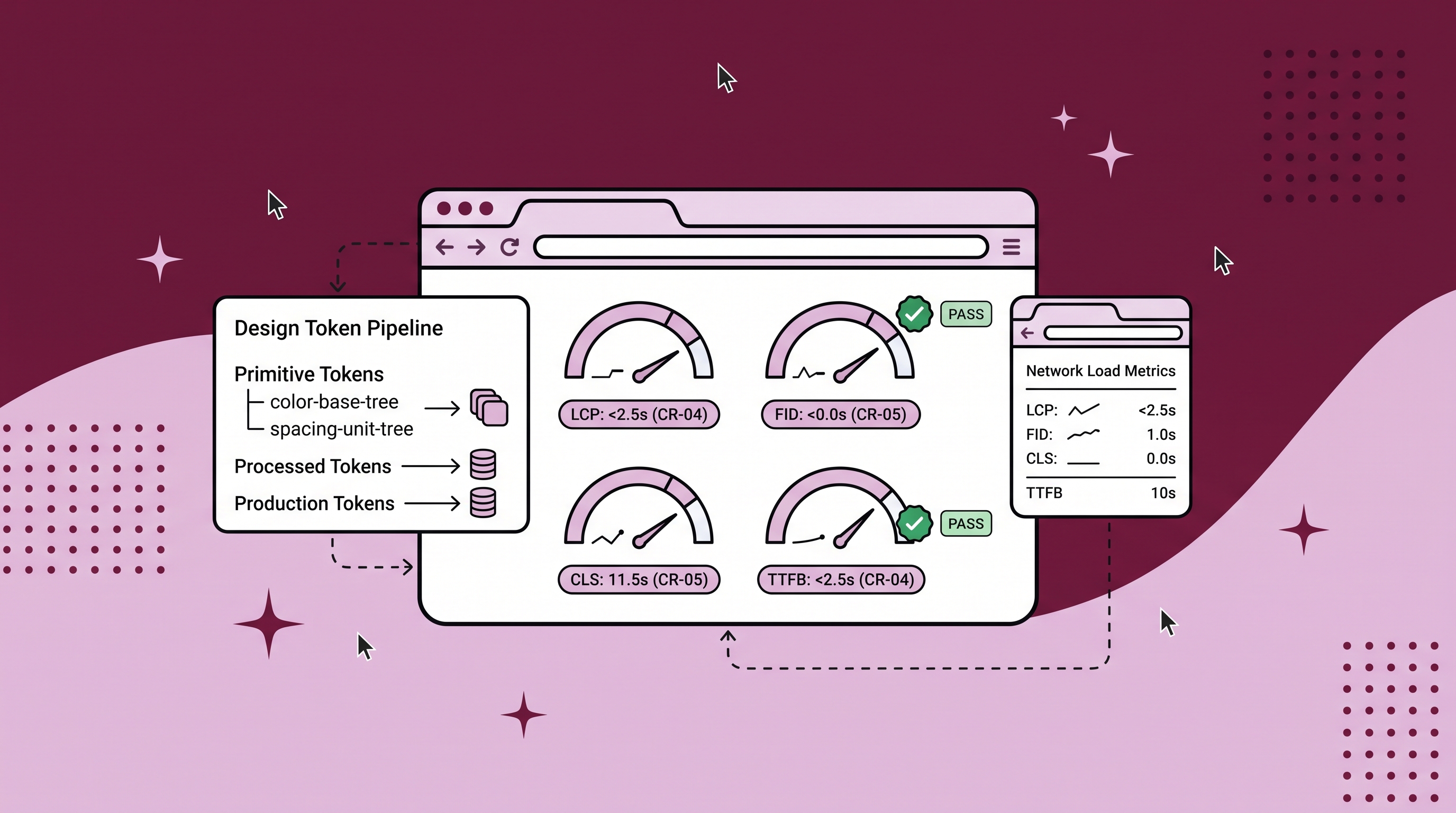
Concretely, that means a three-layer token pipeline. Layer one holds primitives — raw scales, --color-blue-600, --space-4, no meaning attached. Layer two holds semantic aliases that carry intent: --control-height-interactive, --surface-elevated, --border-emphasis. Layer three is where dialects live, and it does nothing but reassign layer two.
:root {
  --control-height-interactive: 2.5rem;
  --border-emphasis: var(--color-neutral-300);
  --focus-ring-width: 2px;
}

[data-dialect="industrial"] {
  --control-height-interactive: 5.5rem;
  --border-emphasis: var(--color-neutral-900);
  --focus-ring-width: 4px;
}
The Button component never learns that industrial mode exists. It consumes --control-height-interactive and stays ignorant. That ignorance is the entire point — it means the ARIA wiring, the keyboard handling, the disabled-state semantics, and the loading-state announcement all remain single-sourced. A dialect can make a control enormous and near-black. It cannot make it inaccessible, because it has no reach into behavior.
Where the Attribute Has to Live
Put the dialect attribute on <html> during server render, resolved from device class or tenant config before any HTML is streamed. Do not resolve it client-side in a useEffect. I have seen that pattern ship, and it produces a CLS score of 0.31 on the first paint of a scanning screen — controls hydrate at desktop dimensions, then jump to 88px, and the layout shift lands right where the operator’s thumb already committed. Server-resolved, the same screen measures 0.02.
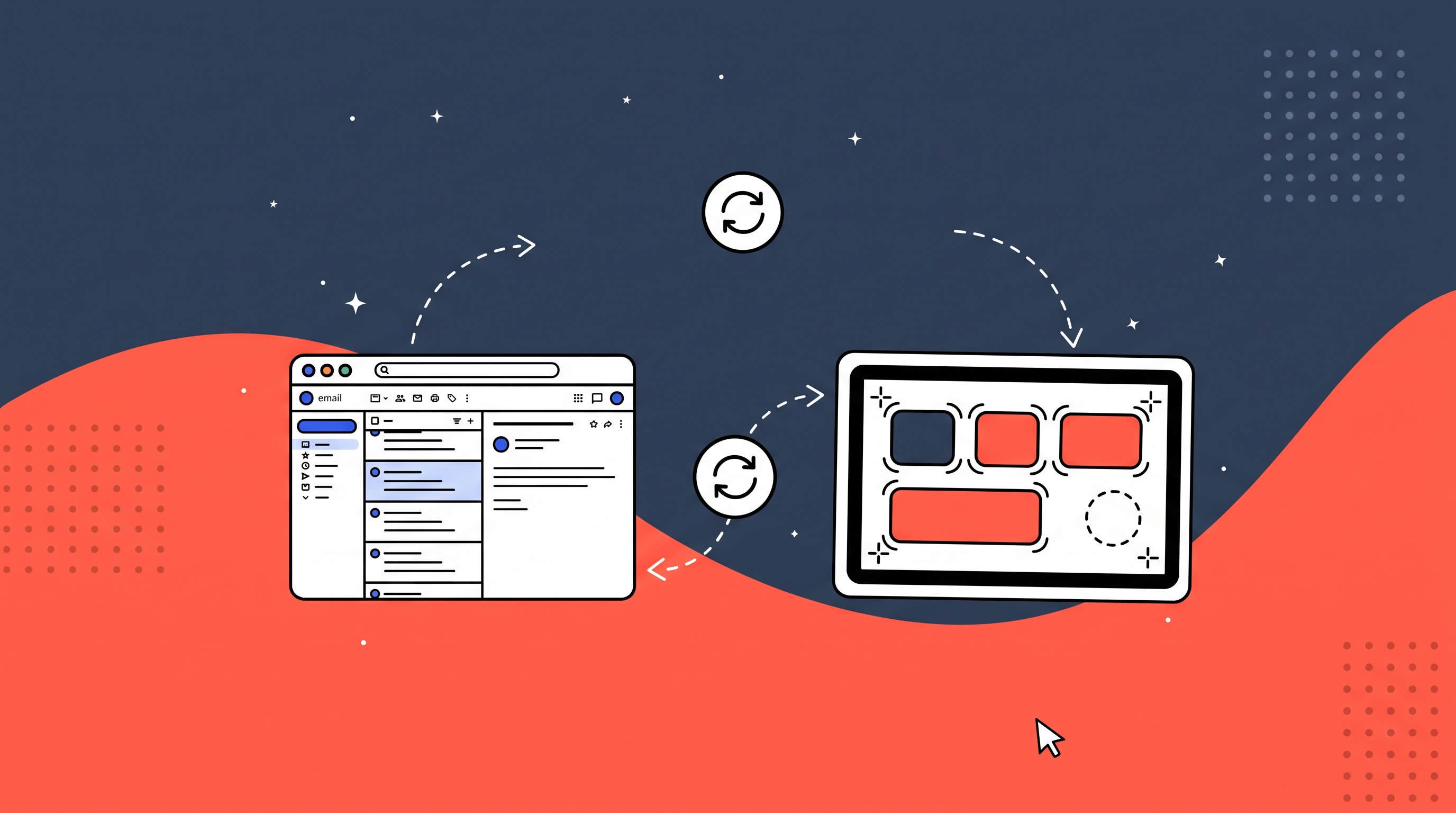
Nesting is the harder case. A desktop supervisor dashboard that embeds a live view of the picker interface needs two dialects on one page. Inheritance through CSS custom properties handles this correctly by default, which is exactly why the dialect layer must only ever touch layer two. The moment somebody writes [data-dialect="industrial"] .btn { padding: 24px }, specificity beats inheritance, the nested case breaks, and you have reintroduced the fork with extra steps.
What Goes Wrong Anyway
Token pollution is the failure mode you should expect first. A team needs one taller input, so they override --control-height-interactive at a route boundary instead of adding a size variant. Six months later that route contains a modal, the modal contains a compact filter bar, and the filter bar is now 88px tall for reasons no one can trace. The mitigation is dull and effective: lint the dialect layer. A custom Stylelint rule that rejects any declaration in a [data-dialect] block whose property is not a registered layer-two alias catches this at PR time. Ours rejected 40-odd declarations in the first month and roughly two per quarter after.
The Handoff Cost Is Real
An engineer rotating from the customer web team into internal tooling brings assumptions that do not survive contact. They build a bulk-select interaction that reveals row actions on hover. On a touch-only handheld there is no hover, so the actions are unreachable, and QA on a desktop browser never catches it because :hover fires fine in Chrome DevTools device mode. Playwright projects pinned per dialect, with touch emulation and a forced data-dialect attribute, catch the class of bug that visual regression on a single viewport structurally cannot.
Then there is combinatorics. Four dialects times a 90-component library is not 360 things to maintain — most components are dialect-neutral and consume the semantic layer without caring. In practice about 15% of a library carries dialect-specific logic, and it is always the same 15%: dense data tables, date pickers, multi-select, anything with a floating overlay. Overlays are the genuine pain. A dropdown positioned with Floating UI against a 5.5rem trigger on a 480px-tall viewport has nowhere to flip, so you need a dialect-aware strategy that swaps popover for full-screen sheet. That is a real branch in behavior, not a token reassignment, and it deserves an explicit component variant with its own tests.
Governing It Without Building a Bureaucracy
Sort every system element into locked, defaulted, or delegated. Locked covers identity and cross-product navigation — global nav, auth screens, anything a user learns once and expects everywhere. The platform team owns those outright and dialects cannot touch them beyond scaling type. Defaulted elements ship smart values that product teams adjust inside declared bounds, and the bounds are machine-checked rather than described in a doc. Delegated elements hand presentation entirely to the product team while the platform keeps state, events, and accessibility.
Make the Escalation Path Cheap
A team hitting a wall should reach for the stock component, then for a documented stretch inside the defaulted bounds, and only then prototype something new. What makes that ladder work is the last rung actually being reachable. If contributing a validated pattern back to core takes a design review board and eleven weeks, teams will fork instead — and they will be right to, because their sprint is two weeks long. We got contribution latency under one sprint by letting product teams merge dialect tokens without platform review while requiring review only for behavior changes. Divergence rate dropped once forking stopped being the fast path.
Version dialects independently from components and keep a manifest recording why each divergence exists, with the metric that justified it. When a dialect token changes, ship a codemod alongside a deprecation flag that logs to console in development for one minor version before removal. Abrupt token renames are how you turn a design system into something teams pin and abandon.
The tension between brand unity and operational fluency never resolves. It just gets adjudicated, repeatedly, in specific cases. Unity is something your marketing org measures. Fluency shows up in scan-error rate and time-to-completion for someone standing in a cold aisle at 4am. Side with them.